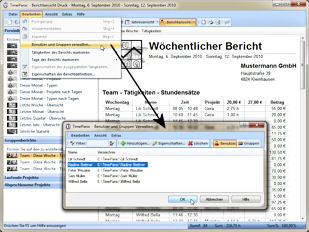
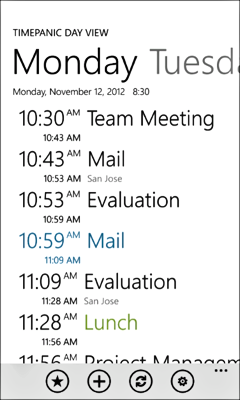
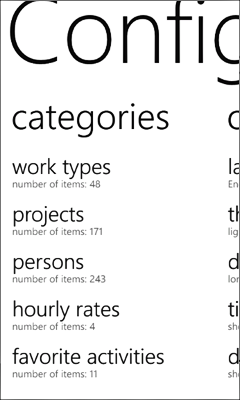
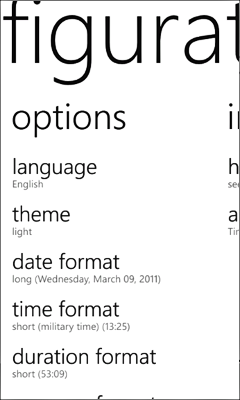
Screenshots of the TimePanic for Windows Main Window

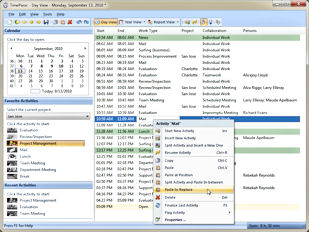
In the day view, the main window displays the timesheet - the chronological list of all activities of the day. On the left-hand side, it has different panes, one of which contains customizable favorite activites that are used for starting recurring activities more easily.

Day View

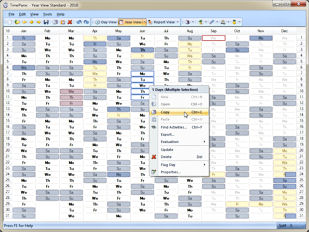
Switch to the year view for a quick overview of your days off (annual leave, sick leave, public holidays ...) and of how much time you worked on each working day.

Year View

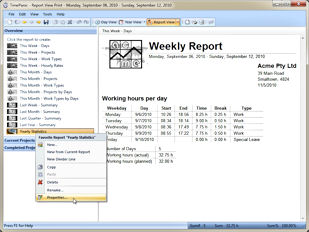
The report view creates printable reports and lets you organize them as favorites on the left hand side. The possibility to create favorite reports makes it very easy to manage the different types of reports you will certainly need.

Report View

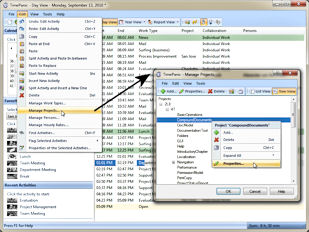
Activities can be tracked on a per-project basis.

Configuration of projects

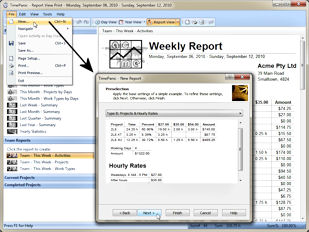
A wizard helps creating all sorts of time tracking reports.
Report wizards

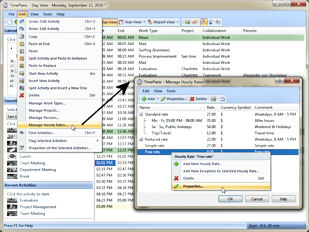
Hourly rates can be variable in TimePanic.

Configuration of hourly rates

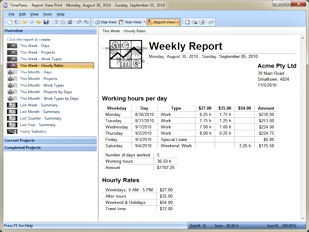
Hourly rates help calculate net invoice amounts.

Reports calculate net invoice amount

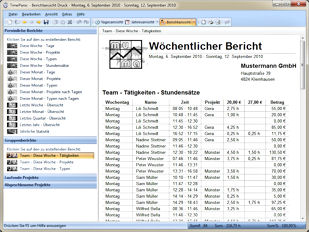
Multi-user reports consolidate the working times of several users.

New: Multi-user reports

The user management allows organizing users into groups.

New: User Management for multi-user reports

More screenshots

Proceed to the download page

Screenshots of TimePanic for Pocket PC

TipPPCENScreenshotSmall01

TimePanic for Windows Mobile

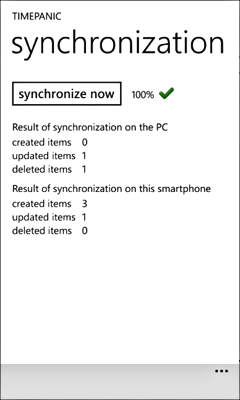
Automatic synchronization with TimePanic for Windows is a key feature of TimePanic for Pocket PC.

Synchronization on Windows 2000/XP:
ActiveSync

TimePanic Information Types in the Windows Mobile Device Center window.

Synchronization on Windows Vista:
Windows Mobile Device Center

Stationary versus mobile time tracking

TimePanic for Windows and Windows Mobile

Let TimePanic put you back in control of your working and private life. Download our free 30 day evaluation version for yourself, and see what the software can do for you.


[TimePanic Time Tracking Software] [Site Map]
 

Screenshots

Time tracking software - keep track of time with TimePanic!